[Guides & How-tos]
[Guides & How-tos]
Understanding Concepts and Expressions: The Heart of Amorfs
Understanding Concepts and Expressions: The Heart of Amorfs
Understanding Concepts and Expressions: The Heart of Amorfs
13 Dec 2025
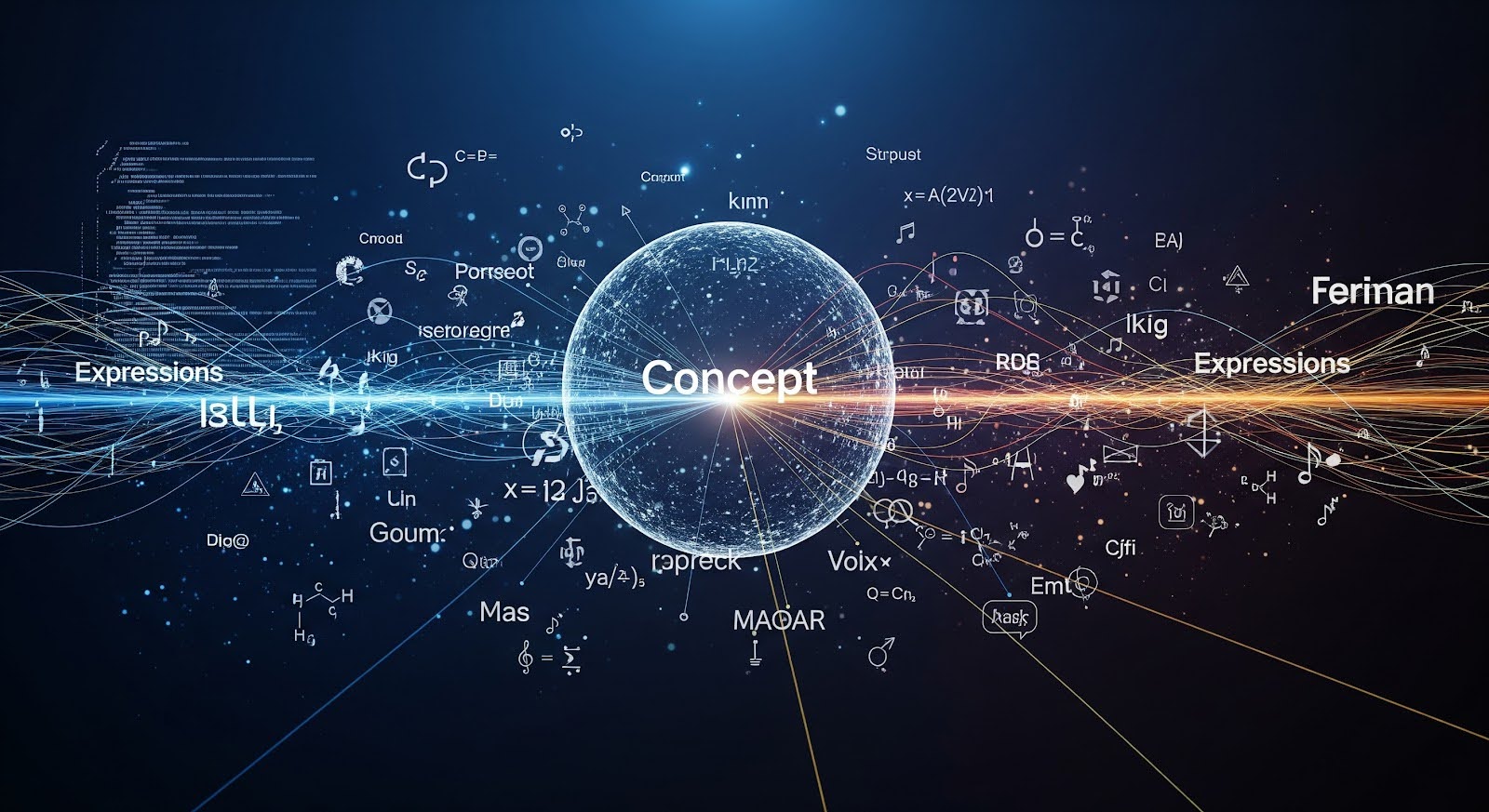
The Core Innovation
Traditional databases store everything as text or numbers. When you save "Apple", the computer has no idea whether you mean:
The fruit
The tech company
The record label
A person's nickname
This ambiguity is the source of endless data problems.
Amorfs solves this with a simple but profound distinction:
Concepts vs. Expressions
Concepts (Abstract)
The idea or thing itself
Language-agnostic
Invisible to humans
The "what it IS"
Unique and permanent
Expressions (Physical)
The words, numbers, or data that point to concepts
Language-specific
Visible to humans
The "how it's SHOWN"
Multiple per concept
Visual Example
Concept: [The city in Australia]
↓
Expressions: "Sydney" | "シドニー" | "Sídney" | [-33.8688, 151.2093]
The concept is the actual city. The expressions are just different ways humans and machines refer to it.
Why This Matters
Problem: Traditional Approach
Database A: "Sydney"
Database B: "Sydney, Australia"
Database C: "Sydney, NSW"
These look different to a computer, so they won't match or merge automatically.
Solution: Amorfs Approach
Concept: Sydney
Expressions: "Sydney" | "Sydney, Australia" | "Sydney, NSW"
All expressions point to the same concept. The system knows they're the same thing.
Multiple Expressions in Action
Here's a powerful example from the specification:
state [NSW | New South Wales]
What's actually happening:
There's ONE abstract concept (the state)
It has TWO expressions: "NSW" and "New South Wales"
Both point to the same underlying concept
Future references to either will use the unified concept
Before You Add Both Expressions:
state [NSW]→ Concept Astate [New South Wales]→ Concept BTwo separate concepts ❌
After You Add Both Expressions:
state [NSW | New South Wales]→ Concept AConcept B merges into Concept A ✓
One unified concept, two expressions ✅
Real-World Example: Business Contact
Traditional Format (JSON):
{
"name": "Dr. Sarah Johnson",
"email": "sjohnson@company.com",
"phone": "555-1234"
}
Problems:
Is "Dr. Sarah Johnson" the same as "S. Johnson" elsewhere?
No way to store alternative names or nicknames
Phone number has no context (mobile? office?)
Amorfs Format (Amorfs):
person [Dr. Sarah Johnson | Sarah Johnson | S. Johnson, PhD
- email [sjohnson@company.com, sarah.johnson@company.com]
- phone [555-1234
- type [mobile]
- country_code [+1]
]
- title [Professor]
- department [Computer Science]
]
Benefits:
All name variations recognized as the same person
Multiple email addresses supported
Phone number has full context
Relationships preserved
The Magic of Auto-Merging
Here's where Amorfs gets really smart. When you give it new information:
Step 1: Initial data
company [Apple]
fruit [apple]
Step 2: System recognizes context The system uses surrounding concepts to understand these are different:
companycontext → Tech companyfruitcontext → The edible fruit
Step 3: When you clarify
company [Apple Inc. | Apple
- industry [Technology]
]
fruit [apple | 🍎
- type [Malus domestica]
]
The system now knows definitively these are separate concepts.
Expressions Can Be Anything
Not just text! Expressions include:
Text in any language
greeting [Hello | Bonjour | こんにちは | مرحبا]
Numbers and dates
birth_date [1990-05-15]
temperature [23.5]
Web links
documentation [<https://docs.amorfs.com>]
Media references
logo [<company-logo.png>]
GPS coordinates
location [
- latitude [-33.844364]
- longitude [151.062145]
]
Implied Concepts: Concepts Without Direct Expressions
Sometimes a concept exists only through its relationships:
address [
- street [123 Main St]
- city [Sydney]
- postcode [2000]
]
Notice: The address itself has no expression in brackets. It's implied by its component parts.
The system can derive an expression when needed: "123 Main St, Sydney, 2000"
Key Insights
One concept, many expressions: The same idea can be expressed countless ways
Language freedom: Translate expressions, concepts stay the same
Auto-merging: Providing alternative expressions unifies previously separate concepts
Context-aware: The same expression can point to different concepts based on context
Future-proof: Add new expressions anytime without changing the concept
Visual Summary
┌─────────────────────────────────────┐
│ CONCEPT (Abstract/Invisible) │
│ "The State of New South Wales" │
└──────────┬─────────┬────────┬───────┘
│ │ │
┌──────▼───┐ ┌───▼───┐ ┌─▼────┐
│ "NSW" │ │"N.S.W"│ │"New │
│ │ │ │ │South │
│ │ │ │ │Wales"│
└──────────┘ └───────┘ └──────┘
EXPRESSIONS (Physical/Visible)
Try This
Think about your own contact information. List all the different ways your name appears across different systems. In Amorfs, these would all be expressions of the same concept: YOU.
Next: "Building Relationships: Associations in Amorfs" →
The concept is the truth. Expressions are just ways to talk about it.
The Core Innovation
Traditional databases store everything as text or numbers. When you save "Apple", the computer has no idea whether you mean:
The fruit
The tech company
The record label
A person's nickname
This ambiguity is the source of endless data problems.
Amorfs solves this with a simple but profound distinction:
Concepts vs. Expressions
Concepts (Abstract)
The idea or thing itself
Language-agnostic
Invisible to humans
The "what it IS"
Unique and permanent
Expressions (Physical)
The words, numbers, or data that point to concepts
Language-specific
Visible to humans
The "how it's SHOWN"
Multiple per concept
Visual Example
Concept: [The city in Australia]
↓
Expressions: "Sydney" | "シドニー" | "Sídney" | [-33.8688, 151.2093]
The concept is the actual city. The expressions are just different ways humans and machines refer to it.
Why This Matters
Problem: Traditional Approach
Database A: "Sydney"
Database B: "Sydney, Australia"
Database C: "Sydney, NSW"
These look different to a computer, so they won't match or merge automatically.
Solution: Amorfs Approach
Concept: Sydney
Expressions: "Sydney" | "Sydney, Australia" | "Sydney, NSW"
All expressions point to the same concept. The system knows they're the same thing.
Multiple Expressions in Action
Here's a powerful example from the specification:
state [NSW | New South Wales]
What's actually happening:
There's ONE abstract concept (the state)
It has TWO expressions: "NSW" and "New South Wales"
Both point to the same underlying concept
Future references to either will use the unified concept
Before You Add Both Expressions:
state [NSW]→ Concept Astate [New South Wales]→ Concept BTwo separate concepts ❌
After You Add Both Expressions:
state [NSW | New South Wales]→ Concept AConcept B merges into Concept A ✓
One unified concept, two expressions ✅
Real-World Example: Business Contact
Traditional Format (JSON):
{
"name": "Dr. Sarah Johnson",
"email": "sjohnson@company.com",
"phone": "555-1234"
}
Problems:
Is "Dr. Sarah Johnson" the same as "S. Johnson" elsewhere?
No way to store alternative names or nicknames
Phone number has no context (mobile? office?)
Amorfs Format (Amorfs):
person [Dr. Sarah Johnson | Sarah Johnson | S. Johnson, PhD
- email [sjohnson@company.com, sarah.johnson@company.com]
- phone [555-1234
- type [mobile]
- country_code [+1]
]
- title [Professor]
- department [Computer Science]
]
Benefits:
All name variations recognized as the same person
Multiple email addresses supported
Phone number has full context
Relationships preserved
The Magic of Auto-Merging
Here's where Amorfs gets really smart. When you give it new information:
Step 1: Initial data
company [Apple]
fruit [apple]
Step 2: System recognizes context The system uses surrounding concepts to understand these are different:
companycontext → Tech companyfruitcontext → The edible fruit
Step 3: When you clarify
company [Apple Inc. | Apple
- industry [Technology]
]
fruit [apple | 🍎
- type [Malus domestica]
]
The system now knows definitively these are separate concepts.
Expressions Can Be Anything
Not just text! Expressions include:
Text in any language
greeting [Hello | Bonjour | こんにちは | مرحبا]
Numbers and dates
birth_date [1990-05-15]
temperature [23.5]
Web links
documentation [<https://docs.amorfs.com>]
Media references
logo [<company-logo.png>]
GPS coordinates
location [
- latitude [-33.844364]
- longitude [151.062145]
]
Implied Concepts: Concepts Without Direct Expressions
Sometimes a concept exists only through its relationships:
address [
- street [123 Main St]
- city [Sydney]
- postcode [2000]
]
Notice: The address itself has no expression in brackets. It's implied by its component parts.
The system can derive an expression when needed: "123 Main St, Sydney, 2000"
Key Insights
One concept, many expressions: The same idea can be expressed countless ways
Language freedom: Translate expressions, concepts stay the same
Auto-merging: Providing alternative expressions unifies previously separate concepts
Context-aware: The same expression can point to different concepts based on context
Future-proof: Add new expressions anytime without changing the concept
Visual Summary
┌─────────────────────────────────────┐
│ CONCEPT (Abstract/Invisible) │
│ "The State of New South Wales" │
└──────────┬─────────┬────────┬───────┘
│ │ │
┌──────▼───┐ ┌───▼───┐ ┌─▼────┐
│ "NSW" │ │"N.S.W"│ │"New │
│ │ │ │ │South │
│ │ │ │ │Wales"│
└──────────┘ └───────┘ └──────┘
EXPRESSIONS (Physical/Visible)
Try This
Think about your own contact information. List all the different ways your name appears across different systems. In Amorfs, these would all be expressions of the same concept: YOU.
Next: "Building Relationships: Associations in Amorfs" →
The concept is the truth. Expressions are just ways to talk about it.
Share to
Latest Post
View All
[User Stories]
Designer's Experience - 👩💻 How I turned a Figma Design into something I actually use
14 Jan 2026
[User Stories]
Designer's Experience - 👩💻 How I turned a Figma Design into something I actually use
14 Jan 2026
[User Stories]
Designer's Experience - 👩💻 How I turned a Figma Design into something I actually use
14 Jan 2026
[User Stories]
Designer's Experience - 👩💻 From Figma to a profile that’s ready to live
14 Jan 2026
[User Stories]
Designer's Experience - 👩💻 From Figma to a profile that’s ready to live
14 Jan 2026
[User Stories]
Designer's Experience - 👩💻 From Figma to a profile that’s ready to live
14 Jan 2026
[Guides & How-tos]
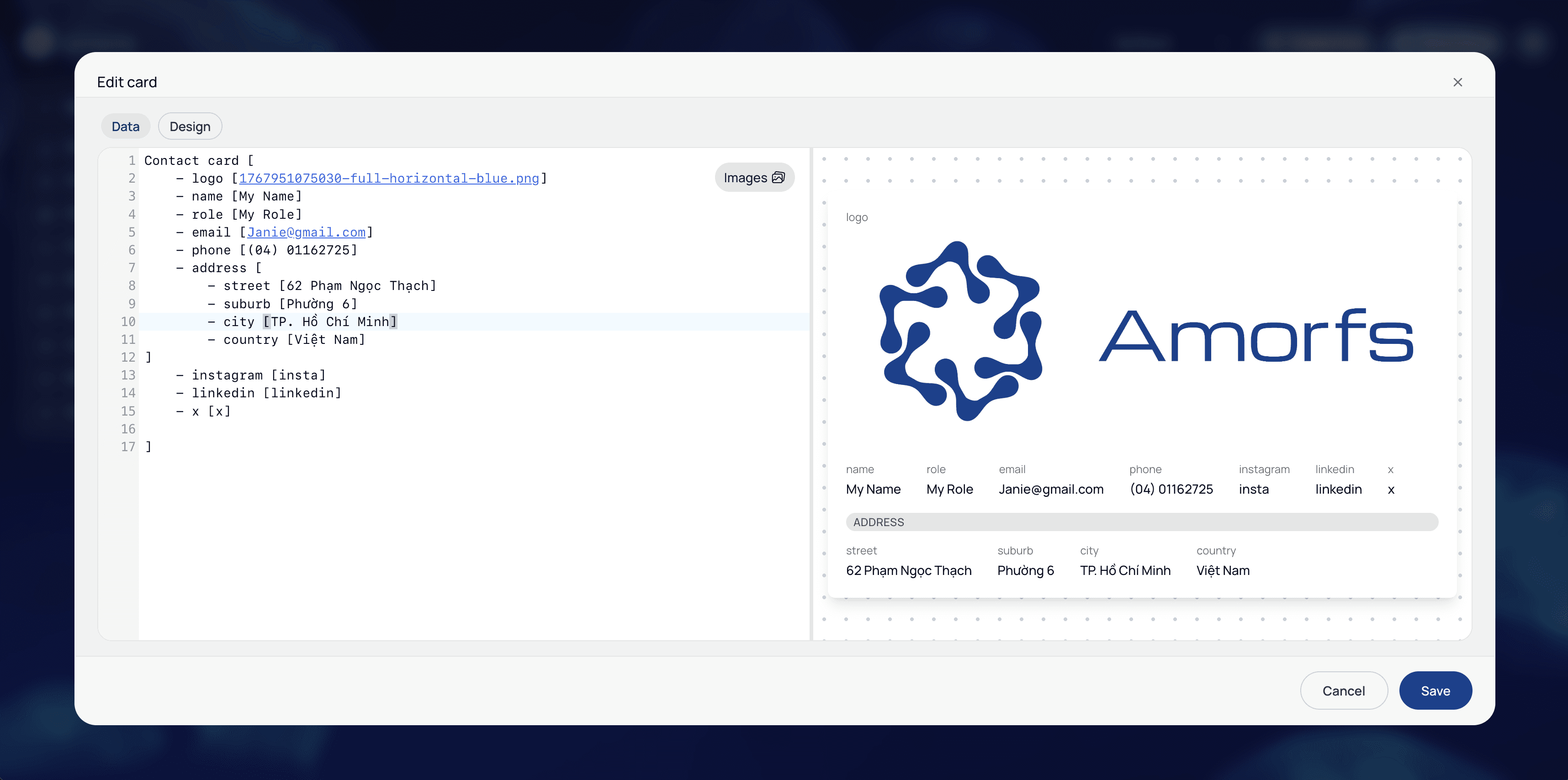
How to Create a New Card in Amorfs Studio
8 Jan 2026
[Guides & How-tos]
How to Create a New Card in Amorfs Studio
8 Jan 2026
[Guides & How-tos]
How to Create a New Card in Amorfs Studio
8 Jan 2026


PRODUCTS
Amorfs Extension
SUPPORT
Don’t want to miss anything?
Get weekly updates on the newest posts, events and tips right in your mailbox.
" height="47.8243px" id="Fi98aqQOS" width="48.001px"/><path d="M 20.148 22.45 L 21.494 15.115 L 13.655 15.115 L 13.655 12.521 C 13.655 8.646 15.176 7.155 19.111 7.155 C 20.333 7.155 21.317 7.185 21.883 7.244 L 21.883 0.596 C 20.81 0.298 18.186 0 16.666 0 C 8.646 0 4.949 3.786 4.949 11.955 L 4.949 15.115 L 0 15.115 L 0 22.45 L 4.949 22.45 L 4.949 38.409 C 6.805 38.869 8.747 39.115 10.746 39.115 C 11.73 39.115 12.701 39.055 13.654 38.94 L 13.654 22.45 L 20.147 22.45 Z" fill="rgb(255, 255, 255)" height="39.11523px" id="o10gvlFLv" transform="translate(13.253 8.885)" width="21.883200000000002px"/></g></svg>)
PRODUCTS
Amorfs Extension
SUPPORT
Don’t want to miss anything?
Get weekly updates on the newest posts, events and tips right in your mailbox.
PRODUCTS
Amorfs Extension
SUPPORT
Don’t want to miss anything?
Get weekly updates on the newest posts, events and tips right in your mailbox.
PRODUCTS
Amorfs Extension
SUPPORT
Don’t want to miss anything?
Get weekly updates on the newest posts, events and tips right in your mailbox.